Last updated: 22 October 2026
A webcast that drops out halfway through an AGM or keynote is worse than no webcast at all. The people watching lose trust in the event, and often in the organisation running it. Yet most dropouts are preventable.
This guide explains how multi-camera webcasting and backup internet keep a Brisbane event live and watchable: what each part does, how a reliable setup is built, and what to ask any provider before you book. Dreamstream Webcasting is a Brisbane-based live webcast production company that brings multi-camera coverage and backup internet to every event in Brisbane, on the Gold Coast and across South East Queensland.
Contents
- Why webcasts fail
- Multi-camera production explained
- Backup internet explained
- The four layers of a reliable webcast
- Which events need it most
- How to check a provider
- Conclusion
- Frequently asked questions
Why webcasts fail
When a webcast fails, it’s usually for one of four reasons:
- The internet drops. Venue wifi is shared with every guest’s phone and laptop. Even wired venue connections can fail without warning.
- The encoder crashes. The device or software that turns the video into a stream has a problem, and there’s nothing to take over.
- The audio is poor. The stream is technically live, but viewers can’t hear the speaker, so they leave.
- The picture is boring. One wide shot of a distant lectern loses an online audience within minutes.
Multi-camera production solves the last problem. Backup systems solve the first three.
Multi-camera production explained
What each camera does
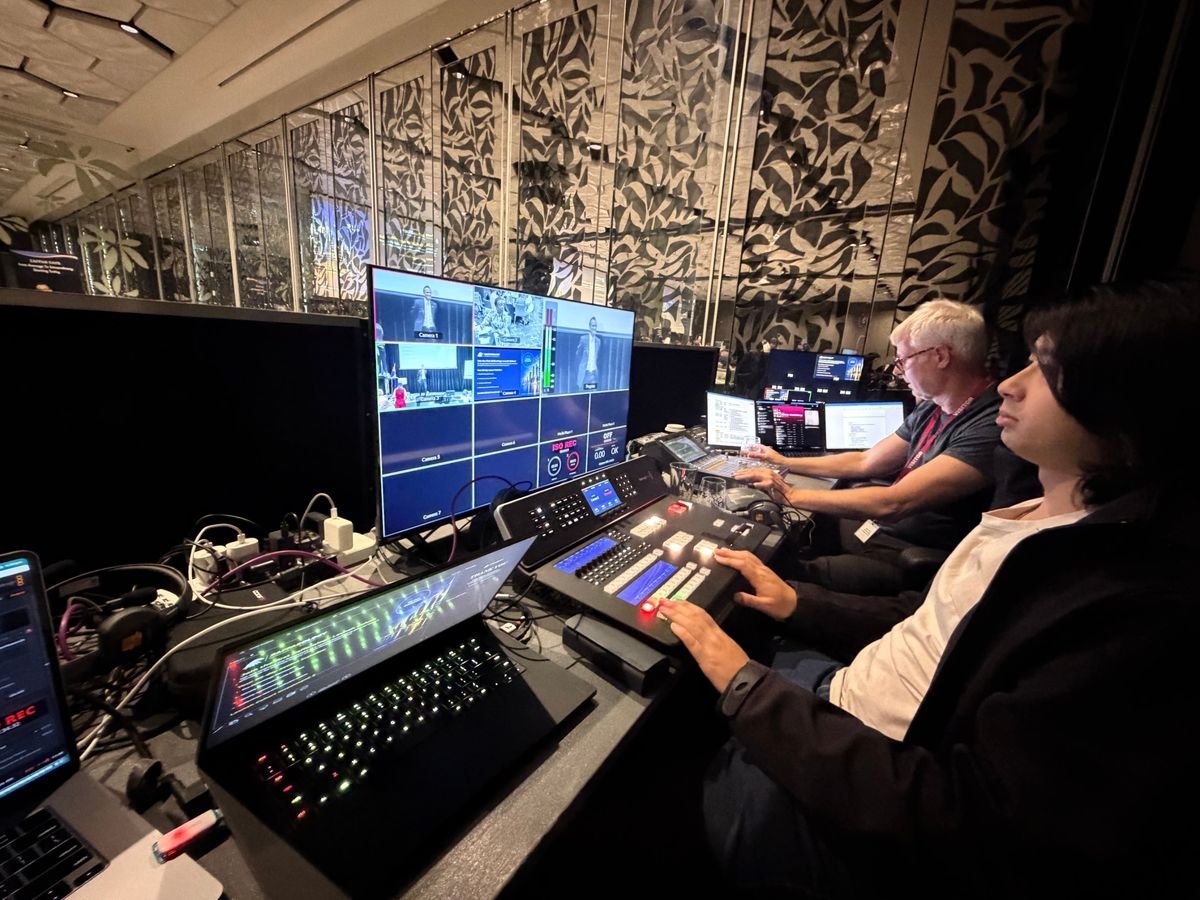
A multi-camera webcast uses two to four cameras, each with a job:
- Camera 1 follows the presenter at the lectern, close enough to see expressions.
- Camera 2 holds a wide shot of the stage or panel.
- Cameras 3 and 4, for larger events, cover the audience, panel members or a second stage.
The director’s role
A director switches between cameras live, the way a TV broadcast does. They cut to the panel member who’s speaking, show the audience reaction to a big announcement, and go to the slides when the presenter refers to a chart.
Slides in the stream
Presentation slides should be fed directly into the stream, not filmed off a projector screen. That way every chart and figure is sharp and readable, even on a phone.
Pro tip: Two cameras are enough for most AGMs and single-presenter events. Add a third or fourth for panels, awards and conferences with audience interaction.
Backup internet explained
Why venue wifi isn’t enough
Venue wifi is shared, and its speed changes as guests arrive. It’s fine for checking email. It’s not fine as the only path for a live stream your members, staff or shareholders are relying on.
What bonded mobile internet is
Bonded mobile internet uses a device that combines several mobile data connections into one stronger connection. If one network weakens, the others carry the load. Used alongside the venue’s wired internet, it means the stream has a second path out if the first one fails.
When it becomes the main connection
Some venues, such as outdoor sites, older halls and some regional venues, have no reliable internet at all. There, bonded mobile internet becomes the main connection rather than the backup.
Watch out: “We’ll use the venue wifi” is not a backup plan. Ask any provider what happens if the venue connection drops. If the answer is “it won’t”, keep looking.
The four layers of a reliable webcast
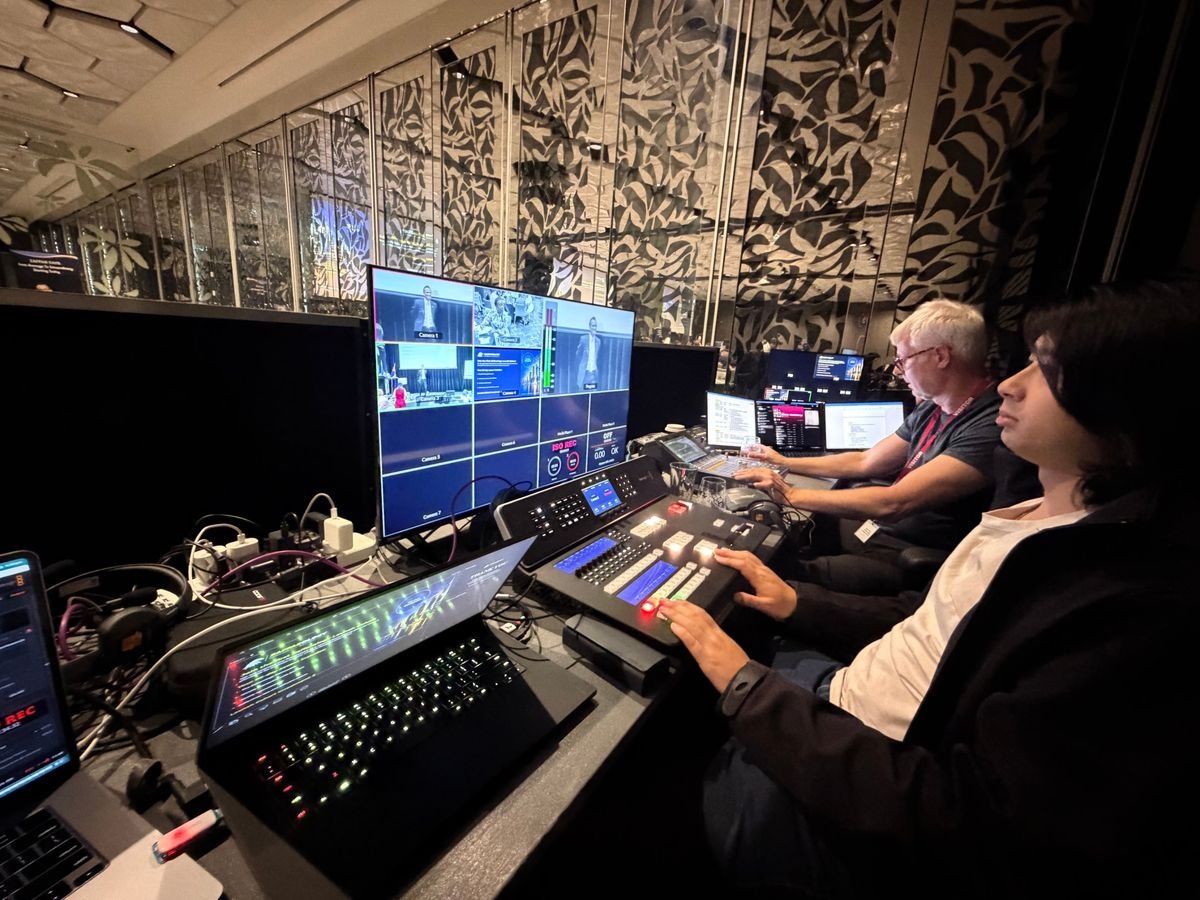
Dreamstream Webcasting builds every event on four layers:
- Venue tech check. Before the day, we confirm the venue’s wired internet, power, sound desk access and camera positions.
- Bonded mobile backup internet. A second path for the stream, ready the moment the venue connection falters.
- Backup encoder. A second encoder on site, ready to take over if the main one has a problem.
- Local recording. The whole event is recorded on site as well as streamed. Even in the worst case, the full recording is safe and can be shared the same day.
Key takeaway: Reliability comes from layers. Each layer covers a different failure, so one problem never takes the whole webcast down.
Which events need it most
Some events can be repeated. These can’t:
- AGMs and member meetings: fixed dates, formal business, and members who expect to take part.
- Conference keynotes: one chance, often with a speaker who has travelled to be there.
- Town halls and announcements: the message needs to reach every office at the same moment.
- Product launches: the stream is the launch.
For these events, the cost of a dropped stream is far higher than the cost of doing it properly.
How to check a provider
Ask these questions before you book:
- Do you test the venue’s internet before the day?
- Do you bring your own backup internet?
- Is there a second encoder on site?
- Is the event recorded locally as well as streamed?
- How many cameras are included, and is there a director switching shots?
- Do you take audio from the venue sound desk?
- Is the quote fixed, including all backup equipment?
A provider who answers “yes” to all of these, without adding extras on the day, is one you can trust with an event that can’t be repeated.
Conclusion
Multi-camera production keeps people watching. Backup internet, a backup encoder and local recording keep the webcast running. Together they turn a risky live stream into a reliable one.
For events in Brisbane, see live webcast production in Brisbane. For the coast, see webcasting on the Gold Coast.
Frequently asked questions
Do we still need the venue’s internet?
A wired venue connection is still the best primary connection where it’s available. Bonded mobile internet is the backup, or the main connection where the venue has no reliable internet.
How many cameras do we need?
Two suit most presentations and AGMs. Three or four suit panels, larger conferences and events with audience interaction.
What happens if both connections fail?
The event is still recorded locally, so the full recording can be shared with online viewers afterwards, usually the same day.
Does multi-camera production cost much more?
It costs more than a single camera, but far less than re-running an event or losing your audience. Ask for a fixed quote that includes the cameras, director and backup equipment.
Can you stream from venues without internet?
Yes. Bonded mobile internet can be the main connection at venues with no reliable internet, subject to mobile coverage at the site.
Is audio really that important?
Yes. Viewers will put up with an average picture, but they leave quickly if they can’t hear. Taking audio from the venue sound desk is the most reliable approach.
Get a quote → or call (07) 3003 1110